The Interleaving Bench
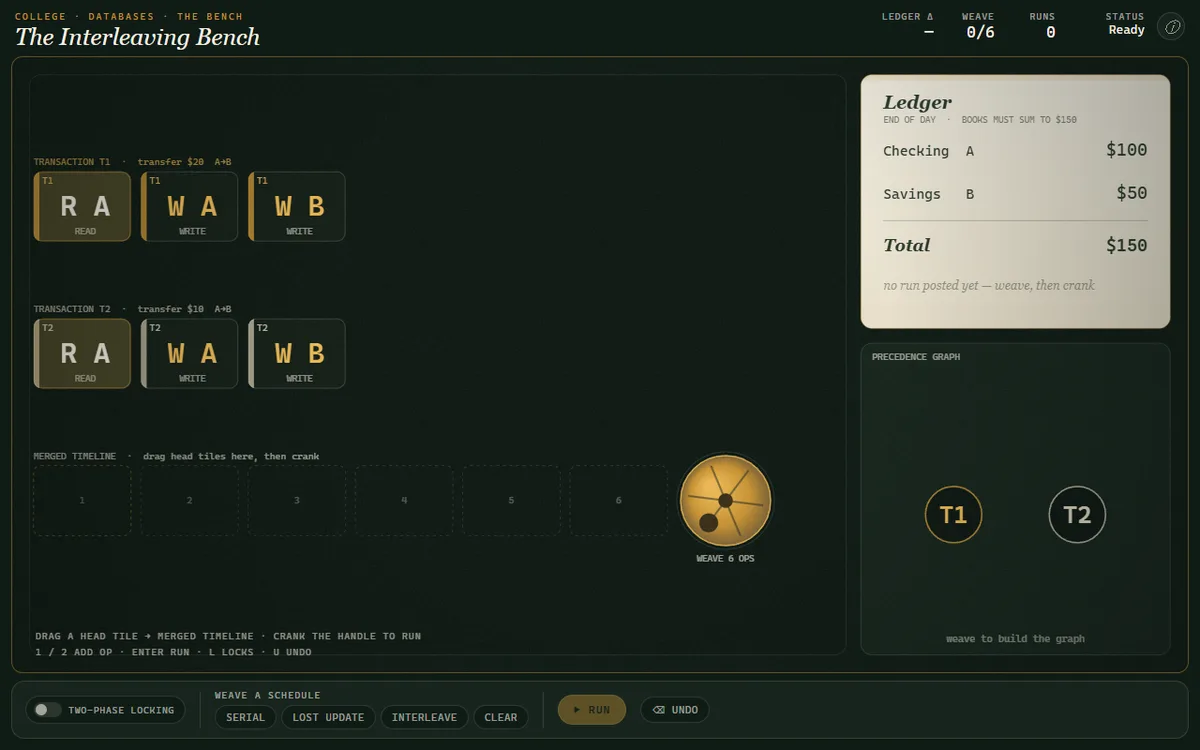
Weave two bank transfers into one timeline by hand and personally build a lost update, a dirty read, and — with locks on — a deadlock.
Each class is a short animated explainer with narration and illustrations, plus quick checks and a mastery quiz. Your progress saves automatically as you complete classes.
Relational models, SQL, indexes, transactions, and recovery
Labs in Computer Science - Databases
Weave two bank transfers into one timeline by hand and personally build a lost update, a dirty read, and — with locks on — a deadlock.
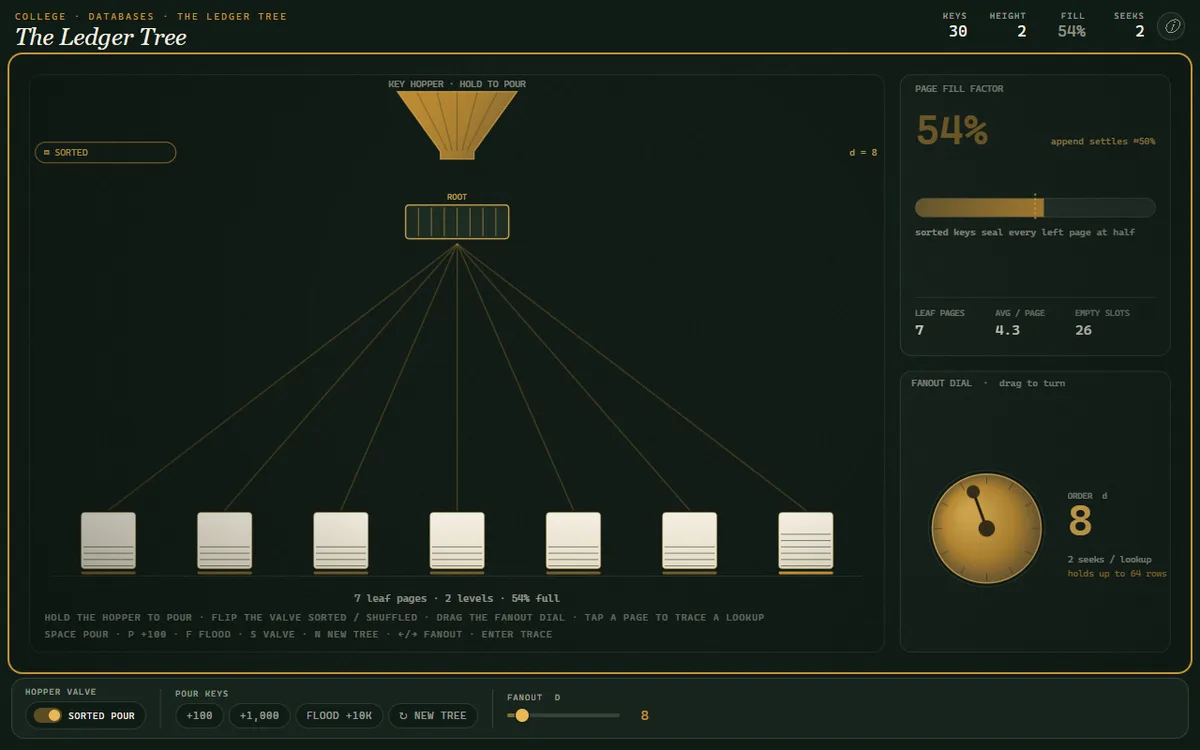
Pour keys into a live B+ tree, watch a page split cascade up to the root, and see why a three-level tree finds one row in millions in three disk seeks.
 01
01 02
02 03
03 04
04 05
05 06
06 07
07 08
08 09
09 10
10 11
11 12
12 13
13 14
14 15
15 16
16 17
17 18
18 19
19 20
20 21
21 22
22 23
23 24
24 25
25 26
26 27
27 28
28 29
29 30
30Every class is 13 cards · narrated film + illustration · 3 quick checks · an interactive · a 5-question mastery quiz. Nothing hidden — this is the complete text of Why Bother With a Database?.
Every sixty seconds, we send over 200 million emails and conduct nearly 7 million searches. Forget quintillion bytes; think of it this way: the complete works of Shakespeare are about 5 megabytes. We generate the equivalent of 50,000 Shakespeares every second. Now, imagine all of that text—not as neatly bound books, but as unsorted, unlabeled scraps of paper piling up in a warehouse the size of a city. How would you find a single line? How would you ensure that if you updated a character's name on one scrap, it was updated on all the others? This is the default state of digital information. Without a system, without a theory of organization, data is just noise. Our first question in this course is fundamental: how do we impose order on this chaos?
The most intuitive way to store data is often the most dangerous.
The puzzle we need to solve is why the most intuitive approach to data storage is insufficient. Let's say we're building a system for university enrollment. The simplest way is to use files. We could have a `students.csv` file with student IDs, names, and addresses. Then, an `enrollment.csv` with the courses each student is taking. To link them, we'd probably put the student's ID, name, and major in the enrollment file as well. Immediately, problems arise. First, data redundancy. A student's name and major are stored once in the student file and again for every single course they take. If a student changes their major, we have to find and update every single one of those entries. If we miss one, we have data inconsistency; the system now holds contradictory facts. Even worse is the problem of concurrent access. What happens if an administrator is updating a student's address at the exact same moment a financial aid officer is trying to read it? With a simple file, one process could read partial, garbled data while another is writing it. This is called a race condition, and it leads to catastrophic failures. These are not edge cases; they are guaranteed outcomes of a naive file-based system at any meaningful scale.
A DBMS is a piece of software that promises to solve these problems for us.
A Database Management System, or DBMS, is a software system that enables users to define, create, maintain, and control access to a database. Let's decompose that definition. 'Define' refers to specifying the data types, structures, and constraints for the data; this is the database schema. 'Create' means storing the data on some storage medium that is controlled by the DBMS. 'Maintain' involves querying and updating the data. And critically, 'control access' means managing security and concurrency. The core idea here is abstraction. A DBMS provides an abstraction barrier between the application developer and the physical storage. You, the developer, think in terms of logical structures like 'students' and 'courses'. You issue declarative commands like 'find all students majoring in Physics'. You do not think about which bytes on which disk sector hold that information, or how to lock the file to prevent another user from interfering with your query. The DBMS handles that translation from the logical to the physical, providing a principled layer that guarantees certain properties about the data, which we will soon formalize.
The idea of a database didn't spring into existence fully formed; it was born from the limitations of earlier systems.
The intellectual history of databases begins in the 1960s. Early systems, like Charles Bachman's Integrated Data Store, or IDS, used what we now call a network or navigational model. In these systems, data records were connected by physical pointers, like a graph. To find a piece of information, your program had to 'navigate' these pointers, traversing from one record to the next. The application logic was deeply entangled with the physical storage layout. This was brittle and complex. The true revolution came in 1970. An IBM researcher named Edgar F. Codd, a mathematician by training, published a paper titled 'A Relational Model of Data for Large Shared Data Banks.' Codd was frustrated with the navigational models. He proposed a radical alternative: data should be represented logically as a collection of relations—or tables, in common parlance. All queries on this data should be performed using the principles of set theory and predicate logic, not by chasing pointers. This decoupled the query from the physical implementation, allowing for a high-level, declarative way to access data. This paper is the foundation of nearly all modern database systems.
So how does a DBMS actually solve the problems of redundancy and concurrency?
A DBMS solves these problems by introducing several layers of indirection. At the top is the logical layer, defined by the schema. This is the world of tables, rows, and columns that your application interacts with. When you submit a query, say in SQL, you are operating at this logical level. Next, the query optimizer and execution engine translate your declarative query into an imperative plan. It decides the most efficient way to get the data, asking questions like: should I use an index? Should I scan the whole table? This plan is then passed to the physical layer. This layer, the storage manager, is responsible for the gritty details of file I/O. It manages the layout of data in pages on disk, it maintains a buffer pool in memory to cache frequently accessed data, and it handles the writing of data to a transaction log. Finally, and perhaps most importantly, there is the concurrency control and recovery manager. It ensures that multiple operations, called transactions, can execute simultaneously without interfering with each other. It uses techniques like locking to prevent race conditions and relies on the transaction log to restore the database to a consistent state in the event of a crash. This architecture is what provides the famous ACID guarantees—Atomicity, Consistency, Isolation, and Durability—which are the bedrock of reliable data management.
Let's formalize the problem with the flat-file approach. Imagine two files. The first, `Students.csv`, has columns for `StudentID`, `StudentName`, and `StudentAddr`. A sample row might be '101, Alice, 123 Maple St'. The second file, `Enrollment.csv`, tracks which student is in which course. It has columns `CourseID`, `StudentID`, `StudentName`, and `StudentMajor`. A sample row might be 'CS101, 101, Alice, Physics'. See the problem? The student's name, 'Alice', is duplicated. If Alice takes five courses, her name is stored five times in this file. This leads to what database theorists call anomalies. There's the update anomaly: if Alice changes her major, we must find and modify every single one of her enrollment records. If we miss one, the data is inconsistent. There's the insertion anomaly: we can't add a new student to the system until they enroll in at least one course, because there's nowhere else to store their major. And the deletion anomaly: if a student drops their last and only course, their entire record might be wiped from the enrollment file, losing the information that they were ever a student. These are not just theoretical concerns; they are practical failures of this data model.
So, what are the key features a DBMS provides that a file system does not? We can group them into four main pillars. First is data independence. This is the separation of the logical data model from the physical storage implementation. You can add an index to a table to speed up queries, and the application code that queries that table doesn't need to change at all. This is a crucial form of abstraction. Second is efficient data access. A DBMS uses complex data structures like B+ trees for indexing and employs a query optimizer to find the fastest way to execute your requests. This is far more efficient than writing code to manually scan files. Third is data integrity and security. A DBMS can enforce constraints, for example, ensuring that a product's price is always a positive number, or that every student has a unique ID. It also provides a framework for granular user permissions. Finally, and most critically for multi-user systems, is concurrency control and recovery. Through the mechanism of transactions, the DBMS ensures that the database remains in a consistent state, even with many users reading and writing at the same time, and even if the power goes out mid-operation.
Let's walk through a classic concurrency problem that a DBMS solves. Imagine an airline reservation system. A flight has exactly one seat left. Two travel agents, Alice and Bob, try to book it for their clients at the same time. Using a simple file system, the sequence of events could be disastrous. At time T1, Alice's program reads the file and sees '1 seat available'. At T2, before Alice can complete the booking, Bob's program also reads the file and sees '1 seat available'. At T3, Alice's program decrements the seat count to zero and writes it back to the file. At T4, Bob's program, which is working with stale data, also decrements its count to zero and writes it back. The final state of the file is '0 seats available', but two tickets have been sold. This is a classic read-modify-write race condition. A DBMS prevents this with transactions and locking. When Alice's transaction starts, it would place a lock on the flight record. When Bob's transaction tries to read that same record, the DBMS would force it to wait until Alice's transaction is complete—either committed or aborted. By the time Bob can read the data, Alice has already set the count to zero, and he will correctly inform his client that the flight is full.
A DBMS is a powerful tool, but not every problem is a nail for this particular hammer.
Despite their power, databases are not always the right solution. The primary tradeoff is complexity and overhead. For a simple application that only needs to read a static configuration file at startup, setting up, securing, and maintaining a full-fledged DBMS like PostgreSQL is significant overkill. A simple text file or JSON file is more appropriate. The performance overhead of the transactional machinery, while essential for multi-user systems, can be a needless cost for single-user applications. Another limitation, particularly for traditional relational databases, is schema rigidity. You must define your tables and columns before you can insert data. This is a feature when you need strong data integrity, but it can be a bottleneck for applications with rapidly evolving requirements or when dealing with semi-structured data, like nested JSON objects from a web API. This very rigidity is what gave rise to the NoSQL movement, which prioritizes flexibility over the strict consistency of the relational model. Finally, there's the cost in both licensing for commercial systems and the human expertise required to properly design, tune, and administer a database server.
How does a DBMS differ from other data tools you may already know?
It's useful to place the DBMS in context with other tools. The most basic is the file system. A file system sees files as opaque collections of bytes. It knows a file's name, size, and location, but has no knowledge of its internal structure. A DBMS, in contrast, is fundamentally about managing the structure *within* the files. A spreadsheet, like Excel, is a step up. It imposes a row-and-column structure and can even enforce simple relationships through formulas. However, it lacks the machinery for robust, safe concurrent access, granular security, and it doesn't scale well to millions of records. It is a tool for end-user analysis, not a backend for a software system. Finally, consider in-memory data structures, like a hash map or a tree in your favorite programming language. These are incredibly fast for data access because they operate in RAM. However, they are volatile; if the program crashes or the server reboots, the data is lost. A DBMS provides persistence. It ensures that once data is committed, it survives system failures. This is the 'Durability' guarantee of ACID, a property that in-memory structures do not provide on their own.
As you begin working with databases, there are several common pitfalls to avoid. The first is treating the database as a 'dumb bucket'. This involves writing queries like `SELECT * FROM products` and then filtering the results in your application code. This is profoundly inefficient. A DBMS has a highly sophisticated query optimizer designed to filter and aggregate data close to the storage. You should always push as much of the work as possible to the database. The second mistake is ignoring concurrency. It's easy to write and test your code in a single-user environment and forget that in production, hundreds of threads might be trying to access the same data. Always think in terms of atomic transactions. Third is reinventing the wheel. Students will often write complex application logic to validate, say, that an email address is unique, when a simple `UNIQUE` constraint in the database schema would do it more reliably and efficiently. Finally, there is the pitfall of familiarity: using a relational database for a problem that is a much better fit for a different model—like using tables to represent a social network, which is more naturally modeled as a graph.
To go deeper, you need the right tools and texts. The standard academic textbook for this field is 'Database System Concepts' by Silberschatz, Korth, and Sudarshan. Its cover has featured a dinosaur for many editions, so it's affectionately known as the 'dinosaur book.' For a look at the foundational research papers, the curated collection 'Readings in Database Systems,' known as the 'Red Book,' is indispensable. You should read Codd's 1970 paper in its original form. For hands-on work, we will use PostgreSQL. It is a powerful, open-source, and standards-compliant relational database. For smaller projects or embedding a database directly into your application, SQLite is an excellent choice. While interacting via the command line is a critical skill, it's also helpful to visualize your database. A graphical client like DBeaver, which is cross-platform, will allow you to explore your schema and run queries in a much more intuitive way as you're starting out.
This week, your goal is to experience firsthand why we need a better system.
Your assignment for this week is to build a simple command-line application to manage a music library, but you are forbidden from using a database. You must use at least two separate flat files, like CSVs. For example, create an `artists.csv` with artist information and an `albums.csv` for album details. In your `albums.csv`, you must include the artist's name directly in the row for each album. Now, write a small script in a language of your choice—Python is well-suited for this—that performs three operations. First, find all albums by a given artist. Second, update an artist's genre. Notice how many places you have to make that change. Third, add a new album for an existing artist. As you do this, I want you to keep a log. Document the specific logical hurdles you encounter. Where did you have to write extra code to maintain consistency? What happens if your script crashes halfway through updating a genre? The point of this exercise is not to build a robust system, but to feel the pain and appreciate the problems that a DBMS is designed to solve. We will build on this model next week when we introduce the relational model properly.
Today, we established the fundamental rationale for database management systems by dissecting the failures of naive file-based storage. A DBMS provides a robust, principled abstraction for managing data integrity, efficiency, and concurrent access.