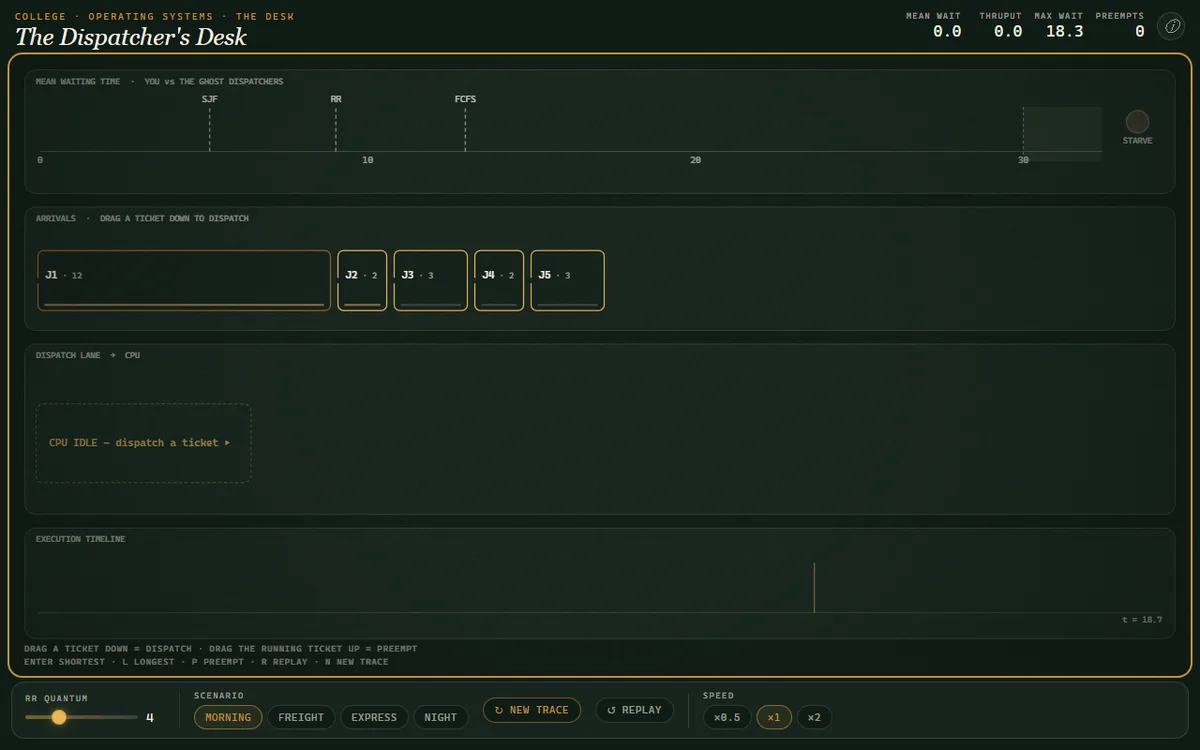
The Dispatcher's Desk — Scheduling a Single CPU
Be the CPU scheduler: drag jobs onto one processor and discover the order you pick — not the speed of the chip — swings the average wait several-fold.
Each class is a short animated explainer with narration and illustrations, plus quick checks and a mastery quiz. Your progress saves automatically as you complete classes.
Processes, scheduling, concurrency, memory, and files
Labs in Computer Science - Operating Systems
Be the CPU scheduler: drag jobs onto one processor and discover the order you pick — not the speed of the chip — swings the average wait several-fold.
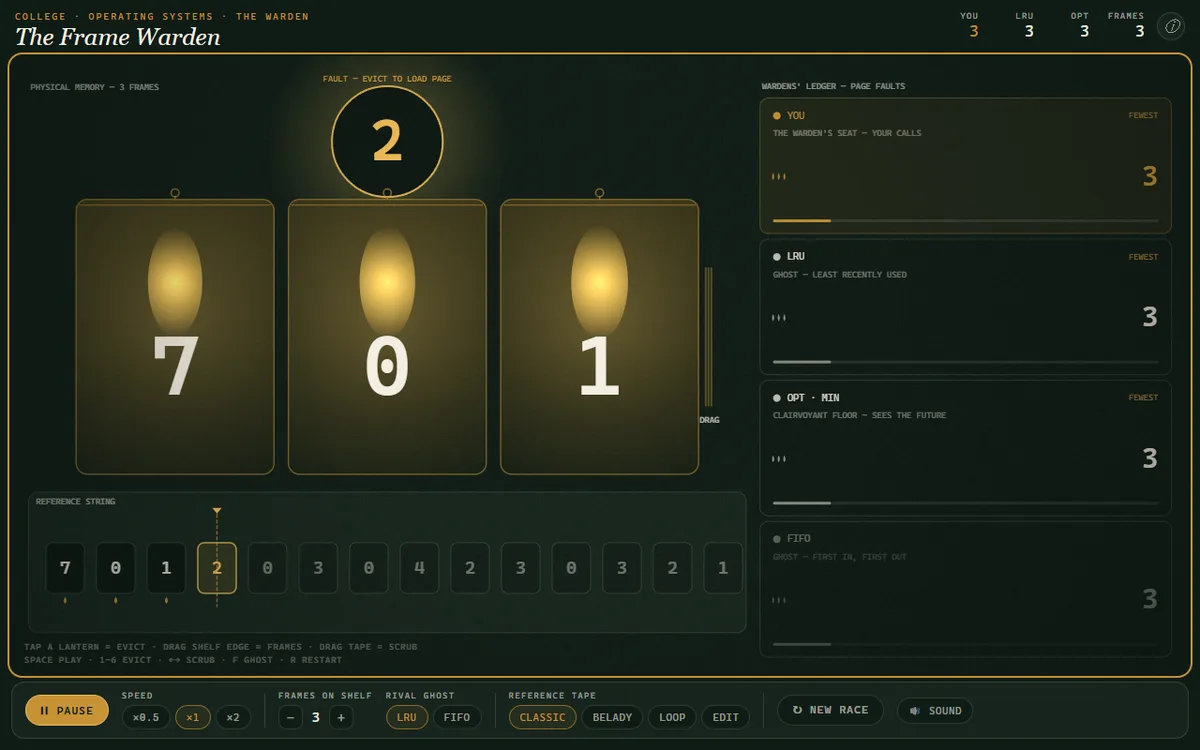
Choose which page to evict on every fault, racing LRU and clairvoyant OPT — then switch to FIFO, add a frame, and watch the faults go UP.
 01
01 02
02 03
03 04
04 05
05 06
06 07
07 08
08 09
09 10
10 11
11 12
12 13
13 14
14 15
15 16
16 17
17 18
18 19
19 20
20 21
21 22
22 23
23 24
24 25
25 26
26 27
27 28
28 29
29 30
30Every class is 13 cards · narrated film + illustration · 3 quick checks · an interactive · a 5-question mastery quiz. Nothing hidden — this is the complete text of What is an OS? The Computer's Benevolent Dictator.
Think about the last program you wrote or used. You probably opened a file, allocated some memory, and printed to the screen. But you didn't manually toggle the read/write head on the hard disk. You didn't calculate the physical RAM addresses to store your variables. And you certainly didn't send raw voltage signals to the pixels on your display. Something else did that for you. Something invisible, powerful, and absolutely essential. That something is the operating system. It is the foundational software that creates the illusion of simplicity from the staggering complexity of the underlying hardware. Our goal in this course is to pierce that veil of illusion and understand the principles of this benevolent dictator, the software that makes all other software possible.
Without a manager, a computer is a chaotic mess of competing hardware requests.
Imagine a world without an operating system. We call this programming on the 'bare metal.' You, the application programmer, have direct and unrestricted access to every component of the machine. This sounds powerful, but it's a recipe for chaos. What happens when two different programs try to write to the screen at the same time? Their output becomes an unreadable, garbled mess. What happens when one program needs more memory, but another program is already using it? One might overwrite the other, causing a crash. A buggy program could accidentally enter an infinite loop, monopolizing the CPU and preventing any other code from ever running again until a hard reset. This is the core problem: managing shared resources. How do we ensure fairness, so that one program doesn't starve another? How do we provide protection, so that one program can't corrupt another, or the system itself? And how do we offer clean, simple abstractions, so that every programmer doesn't have to become an expert in the low-level details of hundreds of different I/O devices? This is the puzzle the operating system was invented to solve.
The OS is two things at once: a helpful abstraction layer and a strict resource manager.
We can formally define the operating system from two complementary viewpoints. The first view is the OS as an 'extended machine' or 'virtual machine.' Here, the OS hides the messy, complex details of the hardware and provides a clean, abstract set of high-level interfaces. It turns the physical reality of disk sectors and controller registers into the abstract concept of a 'file.' It transforms the CPU and RAM into the abstraction of a 'process' with its own private address space. This view emphasizes the OS's role in making the computer easier to program. The second view is the OS as a 'resource manager.' Here, the OS is a control program that manages and allocates the computer's resources: CPU time, memory, disk space, network bandwidth, and peripherals. It must do so efficiently and fairly. In this view, the OS acts like a government, setting policies for resource allocation and enforcing them to prevent conflict and ensure orderly operation. These two views are not contradictory; they are two sides of the same coin. By managing resources, the OS is able to provide the clean abstractions that applications use.
The first OS wasn't for users; it was for keeping expensive mainframes busy.
The first operating systems, or what we might call their precursors, emerged in the 1950s. Computers like the IBM 701 were incredibly expensive, and any idle CPU time was a waste of money. The solution was batch processing. A human operator would collect a 'batch' of jobs on punch cards, and a simple 'resident monitor' program would load and run them sequentially, one after another. This was better than nothing, but the CPU was still often idle, waiting for slow I/O operations like reading tape or printing. The major breakthrough came in the 1960s with multiprogramming. The idea was to keep several jobs in memory at once. When one job had to wait for I/O, the OS could switch the CPU to another job. This led directly to timesharing, pioneered by systems like MIT's Compatible Time-Sharing System, or CTSS, in 1961, and later the ambitious Multics project. The goal of timesharing, championed by people like Fernando Corbató, was to give many users the illusion that they each had their own dedicated machine by rapidly switching the CPU between them. This shift from machine efficiency to user interactivity is what defines the modern operating system.
A single bit in the CPU determines whether code can be trusted or not.
So how does the OS enforce its role as manager? It can't just politely ask applications to behave. It needs help from the hardware. The fundamental mechanism is called dual-mode operation. The CPU has at least two modes of operation, typically controlled by a single bit in a status register. When this bit is set to '1', the CPU is in user mode. In this mode, the instruction set is restricted. A program cannot, for example, execute instructions that halt the machine, modify the memory map, or directly access I/O devices. This is the mode your web browser and text editor run in. When the bit is '0', the CPU is in kernel mode, also called supervisor or privileged mode. In this mode, all instructions are available. This is the mode the operating system kernel runs in. So how does a user program perform a privileged operation, like reading a file? It can't do it directly. Instead, it must ask the kernel for help. This is done via a system call, which is a special instruction—often called a `TRAP` or `SYSCALL`—that atomically switches the CPU from user mode to kernel mode and jumps to a pre-defined, trusted location in the kernel's code. The kernel then validates the request, performs the operation on the user's behalf, and then another special instruction returns the CPU to user mode. This controlled transfer of power is the cornerstone of OS protection.
Let's trace the path from a user request to a kernel action.
Let's formalize the sequence of a system call. What you see on screen is a simplified flow for a hypothetical `read` operation. It begins in user space. Your application code calls the `read` function from the standard C library, `libc`. This is still in user mode. The library function is a wrapper, or 'stub.' Its job is to prepare for the transition to the kernel. It places the system call number for `read`—say, number 5—into a specific CPU register, like `%eax` on x86 architectures. It also places the arguments, such as the file descriptor and a pointer to the buffer, into other designated registers. Then, it executes the special `SYSCALL` or `TRAP` instruction. At this point, the hardware takes over. It saves the current program counter, switches the CPU mode bit from user to kernel, and jumps to a specific address found in a pre-configured Interrupt Descriptor Table. This address points to the kernel's system call handler. The kernel now has control. It uses the number in `%eax` to index into its own table of system call functions and finds the code for `sys_read`. It performs the read, places the return value back in `%eax`, and executes a return-from-interrupt instruction, `IRET` or `SYSRET`. The hardware then restores the user process's state and switches back to user mode. The library function now returns control to your application, which is completely unaware of the complex dance that just occurred.
An OS provides a standard set of services to all applications.
Given its dual roles, every general-purpose operating system provides a handful of fundamental services. First is process management. The OS is responsible for creating and deleting processes, which are instances of running programs. It must also provide mechanisms for scheduling which process gets to use the CPU, and for inter-process communication and synchronization. Second is memory management. The OS keeps track of which parts of memory are currently being used and by whom. It allocates memory to processes when they need it and deallocates it when they are done. Crucially, it provides the abstraction of virtual memory, giving each process its own private address space, which protects processes from each other. Third is the file system. The OS abstracts the physical properties of storage devices into the logical concept of a file, organized in directories. It handles file creation, deletion, and access control. Finally, we have I/O system management. The OS manages the vast zoo of peripheral devices—keyboards, mice, disks, network cards—through device drivers, providing a consistent interface to applications while hiding the device-specific details.
Even the simplest program relies on a deep stack of OS services.
Let's make this concrete by tracing the world's most famous program: one that simply prints 'Hello, world!' to the screen. You write a single line of C: `printf("Hello, world!\n");`. When you compile and run this, what actually happens? First, the `printf` function is part of the C standard library, not a direct instruction. It runs in your process's user space. Its job is to format the string and then write it to the standard output stream. To do this, it eventually makes a system call, typically `write`. The arguments to `write` will be the file descriptor for standard output (which is usually `1`), a pointer to the string 'Hello, world!', and the length of the string, which is 13 bytes. This triggers the trap mechanism we just discussed. The OS kernel takes over. The `sys_write` function in the kernel looks at the file descriptor, `1`. It consults the process's file descriptor table and sees that this corresponds to the console. The kernel then calls the appropriate device driver for your terminal or console window. This driver knows how to communicate with the graphics hardware. It takes the character data and writes it into a specific region of memory called the video buffer. The graphics card hardware continuously scans this buffer and displays its contents on the physical screen. The kernel then returns from the system call, back to `printf`, and back to your `main` function. A single line of user code invoked a complex chain of privileged OS services.
Every layer of safety and abstraction comes at a cost.
The entire structure of the operating system is built on a fundamental tradeoff: performance versus protection and abstraction. Every system call has overhead. The act of trapping to the kernel, saving the user process's state, executing the kernel code, and then returning is significantly more expensive than a simple function call within the same process. This cost is the price we pay for safety. We could, in theory, build a system where applications have more direct access to hardware, reducing this overhead. But this would sacrifice protection, reintroducing the 'bare metal' problems of instability and insecurity. This tension manifests in different OS architectural designs. A 'monolithic' kernel, like Linux, puts most OS services—file systems, device drivers, networking stacks—inside the privileged kernel space. This is fast, because communication between these components is just a function call. However, a bug in any one driver can crash the entire system. In contrast, a 'microkernel' architecture, like L4 or QNX, aims for maximum protection. It keeps the kernel itself as small as possible—handling only basic process and memory management—and runs other services like file systems as user-level processes. This is more robust and secure, but every request to the file system now involves an expensive context switch through the kernel, which can be slower.
The OS is just one layer in a stack of system software.
It's important to precisely locate the operating system within the broader world of system software. Let's compare it to two adjacent concepts: a library and a hypervisor. A library, like the C standard library `libc`, is a collection of pre-compiled code that is linked with an application. It runs in the application's own address space and in user mode. It provides helpful functions, but it has no special privileges. It's a servant to the application. The OS, by contrast, is the master of the application. It runs in a privileged kernel mode and manages all applications and resources. A hypervisor, or Virtual Machine Monitor (VMM), adds another layer to this picture. A hypervisor's job is to create and manage virtual machines. Essentially, it's an operating system for operating systems. A 'Type 1' hypervisor, like VMware ESXi, runs on the bare metal and its 'applications' are entire guest OSes like Windows or Linux. A 'Type 2' hypervisor, like VirtualBox or Parallels, is itself an application that runs on top of a host OS. It asks the host OS for resources like memory and CPU time, and then uses hardware virtualization features to create a virtual machine for a guest OS. So, the hierarchy is clear: libraries serve applications, applications run on an OS, and an OS can run on bare metal or on a hypervisor.
Let's correct a few common but incorrect mental models.
As you begin studying operating systems, there are several common conceptual traps to avoid. First is confusing the kernel with the operating system. The kernel is the core, privileged component that is always resident in memory. The operating system is a broader term that includes the kernel plus system utilities, shells, and standard libraries. For instance, the GNU utilities are a critical part of the GNU/Linux operating system, but they are not part of the Linux kernel. A second pitfall is believing that applications directly talk to hardware. With very few exceptions in specialized, embedded systems, this is false. Applications make system calls to the OS, and the OS, via its device drivers, talks to the hardware. A third mistake is thinking of the OS as a single, monolithic program that runs from top to bottom. It's better to think of it as an event-driven system. It's largely idle until an event occurs—a system call from a process, or a hardware interrupt from a device—at which point the corresponding handler code is executed. Finally, avoid the assumption that all OSes are built for the same purpose. A general-purpose OS like Windows or macOS is a jack-of-all-trades. A Real-Time Operating System, or RTOS, used in a car's braking system, is optimized for one thing above all else: predictable, guaranteed response times.
You can directly observe the conversation between applications and the kernel.
Theory is essential, but you need tools to see these concepts in practice. The single most useful tool for our purposes is a system call tracer. On Linux, this is `strace`; on macOS, it's `dtruss`. Running a program under `strace` will print every single system call the program makes, along with its arguments and return value. This is the most direct way to see the interface between user space and the kernel. Another fantastic tool on Linux-like systems is the `/proc` filesystem. It's a pseudo-filesystem where the kernel exposes its internal data structures as if they were files. You can `cat /proc/cpuinfo` to get information about the CPU, or look inside `/proc/<PID>/` for a specific process ID to see its memory maps and open files. For your reading, the classic text is 'Modern Operating Systems' by Tanenbaum and Bos. For a more modern and accessible approach, I highly recommend 'Operating Systems: Three Easy Pieces' by the Arpaci-Dusseaus, which is available for free online. Finally, to truly understand how an OS is built, there is no substitute for reading and modifying code. The xv6 operating system from MIT is a small, Unix-like OS designed specifically for teaching. We will be using it extensively in this course.
Use `strace` to spy on the secret life of a simple command.
This week's exercise is designed to make the abstract concept of a system call concrete. Your task is to use `strace` on a Linux machine, or `dtruss` on a Mac, to investigate a simple command-line program. I suggest something like `ls -l /tmp` or `echo 'hello'`. You will run the command under the tracer, for example: `strace ls -l /tmp`. This will produce a lot of output. Your goal is not to understand every line. Instead, I want you to find and analyze three distinct system calls from the output. Look for calls we've mentioned, like `openat`, `read`, `write`, or `close`, or perhaps memory-related calls like `mmap` or `brk`. For each of the three calls you choose, you need to do three things in your write-up: one, identify the name of the system call; two, based on its name and arguments, form a hypothesis about what the program was trying to accomplish with that call; and three, describe the key arguments passed to the call and what the kernel returned. This will be your first practical look at the boundary between a user process and the operating system.
Today we defined the operating system through its two fundamental roles: providing clean abstractions as an extended machine, and managing finite resources as a control program. This dual perspective explains why the OS is the essential layer between hardware and applications.